Here’s the English version of the article, written in a natural, non-AI tone:
—
**How to Choose a X-Ray Table: 5 Details Radiologists Won’t Tell You**
Everyone knows what an X-ray is. But few people pay attention to the table you lie on — it’s actually a pretty big deal.
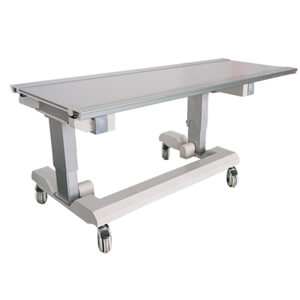
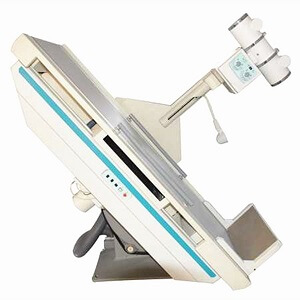
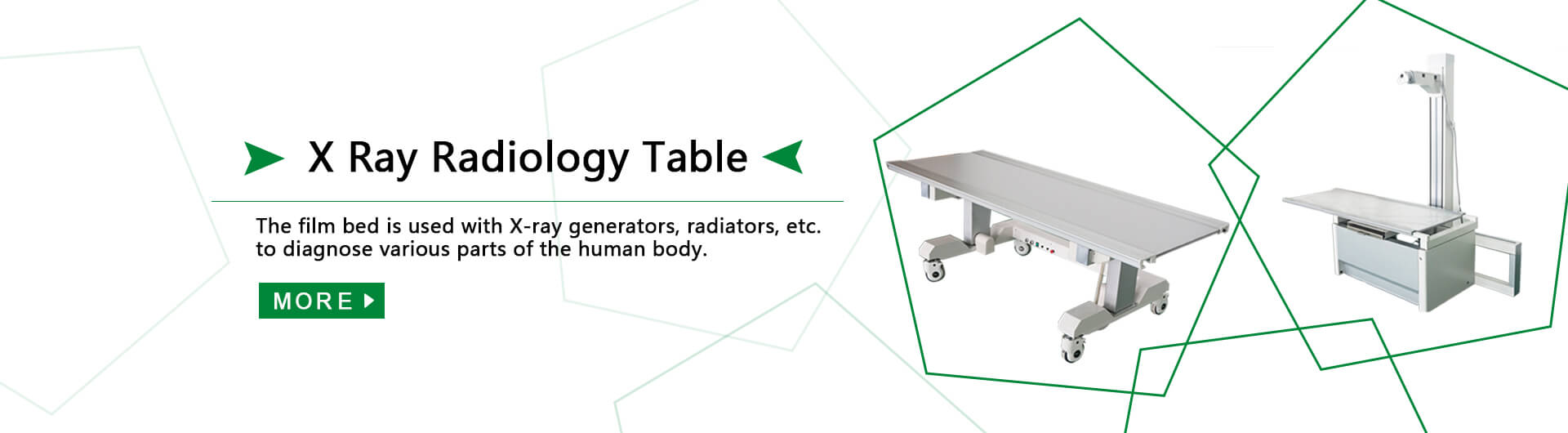
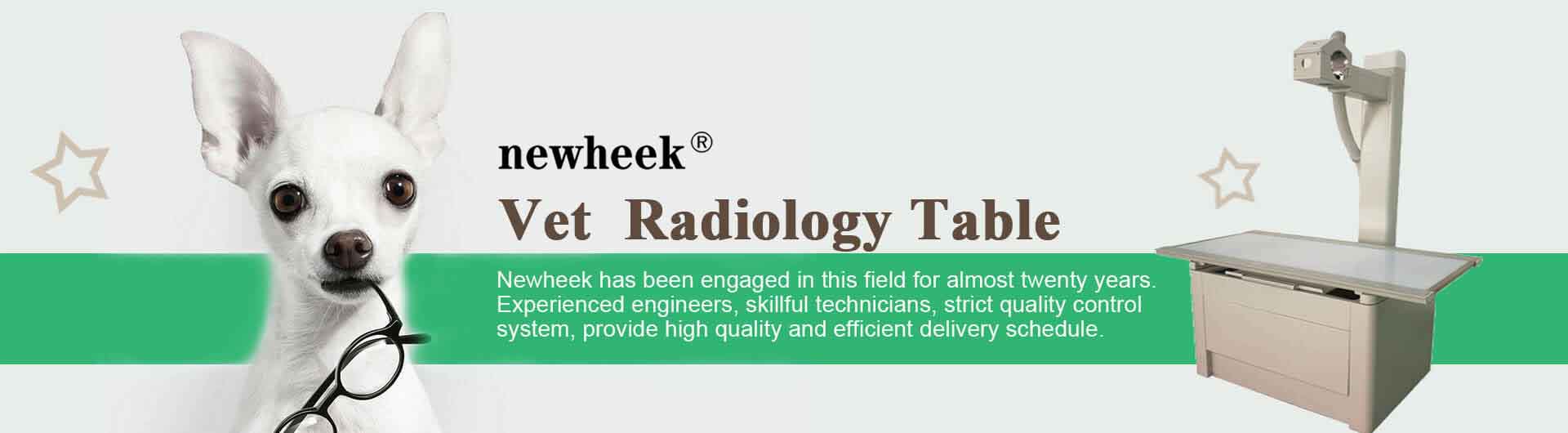
In radiology departments, that table is called a radiographic table or bucky table. It’s basically the sidekick for X-ray machines — mobile DR units, mobile X-ray machines, portable X-ray systems. It’s used for imaging the abdomen, limbs, pelvis, lumbar spine, and so on.
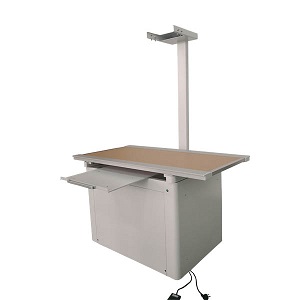
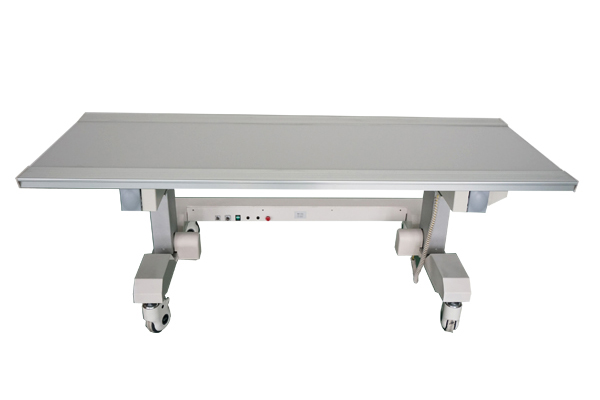
There are two main types: mobile and fixed. Mobile ones have casters so you can roll them around. Fixed ones stay put — good for dedicated rooms. So how do you pick the right one? Here’s some real-world advice.
**Tabletop material: don’t just look at price**
The most common top is acrylic (Plexiglas). Comes in clear or opaque. Clear is obviously better for fluoroscopy — the tech can see exactly where the flat-panel detector is, making centering and collimation a lot easier. No constant adjustments.
MDF (medium-density fiberboard) is cheaper. If your budget is tight, it’ll save you some money. But it doesn’t transmit X-rays as well, and centering becomes a hassle. If you’re doing fluoroscopy, just spend the extra on acrylic. Don’t make your daily work harder to save a few bucks.
**Mobile tables: with or without a tray?**
Mobile tables come in two flavors: with a built-in cassette tray, or without.
If you’re using a flat-panel detector, go with the tray version. You slide the detector in, it’s locked in place, positioning is consistent, image quality is reliable. Without a tray, you have to align everything each time — annoying and error-prone.
Plus, the tray can also hold cassettes or CR imaging plates. More versatile. Get the tray version now, and you won’t run into compatibility issues later when you upgrade gear.
**Six-way — not just marketing hype**
Good tables let you adjust the top in six directions: forward/back, up/down, left/right. That’s not just a spec sheet flex. The patient lies down, the tech fine-tunes the table position instead of asking the patient to scooch around. That’s huge for someone with a fracture or limited mobility — less pain, less hassle.
Swivel casters are also practical. Roll the table into position, lock the wheels, it’s solid. You can even have the brakes installed where you want them — on the foot end, on the side, whatever works for you.
**Powered or manual?**
Powered tables use a motor for height adjustment and tilting. Patients — especially elderly ones — have an easier time getting on and off. Low operating cost, energy efficient, and they still work in emergencies. Not something most vendors will mention upfront.
What about a power outage? Hospitals don’t lose power often, but if it happens, a powered table is stuck. Then you need to pay extra attention to patients — especially those with mobility issues — so nobody gets hurt getting on or off. If your department has frequent outages or limited outlets, consider a manual table or at least get a UPS.
**One last thing**
Don’t just read spec sheets. Go to a showroom or a colleague’s department. Lie on the table. Roll it around. Adjust it. See how it feels. Acrylic top costs more but saves headaches. Mobile tray version is more versatile. Six-way float and swivel casters are genuinely useful. If your budget is tight, here’s your priority order: tabletop material > tray option > adjustability > power type.
You’ll use this table every single day. Only you know what feels right.
Author:Newheek-Table
Tel: +86 13356723728
E-mail: newheekaide@gmail.com
Company: Weifang Newheek Electronic Technology Co., Ltd.